Quick answer: The best hvac website design examples share one pattern: they split urgent breakdown visitors from planned install buyers, then give each a fast, obvious path. Breakdown visitors get a tap-to-call button and clear hours above the fold. Install buyers get system options, honest price guidance, and a short quote form. Wrap both in real photos, licences, and reviews, and the site starts booking jobs instead of just describing them.
Most HVAC websites are written for one imaginary customer. In reality, two very different people land on the same homepage. One has a heat pump that died at 9pm in July and a toddler who is not impressed. The other is calmly comparing ducted systems for a new build and has three quotes open in other tabs.
A site that treats those two people the same usually fails both. The panicked one can't find the phone number. The researcher can't find anything worth trusting. Then the business owner wonders why the phone only rings when it's a referral.
This guide walks through illustrative page patterns strong heating, cooling, and ventilation websites use, from hero to quote form. Patterns, not named businesses, so you can borrow the thinking without copying anyone's homework.
What strong HVAC website design examples have in common
Look at enough heating and cooling websites and the good ones start to rhyme. They win on clarity, speed, and proof, in that order.
HVAC is a slightly awkward trade to market online because it sells two products at once. Repairs are urgent, low-research, and decided in minutes. Installs are expensive, high-research, and decided over weeks.
The strongest sites accept that split and design around it. Everything else in this guide comes back to that one idea.
The patterns that show up again and again
- A hero that says what you fix, install, and where, in one line.
- A phone number that is tappable on mobile and visible without scrolling.
- Separate routes for repairs, installs, and servicing.
- Real photos of real vans, technicians, and installs.
- Brands serviced, licences, and warranty terms shown plainly.
- A short quote form that asks only what you actually need.
- Reviews placed near the decision, not buried on a testimonials page.
None of that is exotic. Most HVAC sites just skip half of it.
Example 1: the homepage hero that handles two buyers
The top of the homepage has about one glance to prove the visitor is in the right place. A strong HVAC hero does three jobs quickly: names the service, names the area, and offers two clear doors.
Say the job, not the vibe
Something like "Heat pump repairs, installs, and servicing across Hawke's Bay" beats "Your comfort is our passion" every time. The first tells a stranger what you do. The second could be a candle shop.
Split urgent from planned
A primary button for "Book a repair" or a tap-to-call number, and a secondary button for "Get an install quote". Each visitor picks their lane without reading a paragraph.
Proof under the buttons
A thin row with your review rating, years trading, licence or certification, and the brands you install. Small text, big reassurance.
Your van, not stock smiles
A real technician beside a real outdoor unit does more work than a glossy stock photo of a family on a couch looking suspiciously comfortable.
A homepage should not need a tour guide. If someone has to scroll past a mission statement to find out whether you service their suburb, the hero is doing decoration, not sales. For more hero and layout patterns across industries, our website homepage examples guide breaks the structure down section by section.
Example 2: the breakdown and repair page
The repair page is where speed beats everything. The visitor is cold, hot, or running a business with a dead cool room. They aren't browsing. They're deciding who to call, and they're deciding fast.
A strong repair page looks a bit plain, and that's the point. Phone number first, honest hours, common faults in the customer's own words.
- Plain fault language: "Heat pump blowing cold air", "unit leaking water", "error code flashing". People search symptoms, not part numbers.
- Honest hours: if you offer after-hours callouts, say so and say whether there's a surcharge. If you don't, say when you'll call back.
- Callout fee clarity: a sentence on how callout fees work removes a big reason to hesitate.
- Brands covered: a simple list of the makes you repair stops the "do they even work on mine?" question.
- Sticky call button on mobile: it follows the thumb down the page so the next step is never more than a tap away.
What it shouldn't have is a long form as the only option, a lesson our locksmith website design examples show clearly for urgent lockout jobs. Someone with a broken system at night wants a human, or a clear promise of when one will appear. Our website call-to-action examples cover how to match the button to the visitor's urgency.
Example 3: the heat pump and install page
Install buyers behave like they're buying a car. They compare, they read, they ask their brother-in-law. The install page has to do the explaining you'd do on a site visit.
Explain the choices simply
High-wall, floor console, ducted, multi-split, ventilation. A short card for each, with who it suits and roughly what affects the price. No engineering lecture.
Give a range, not a riddle
"Typical installs start from" plus what pushes the number up. You don't need to publish a fixed price. You do need to stop people guessing that you're the expensive one.
Show what happens next
Site visit, written quote, install day, handover, first service. Four or five steps, plainly written, so the job feels manageable before it starts.
Real installs with context
A small gallery of finished installs, each with the house type, system, and suburb. It shows taste, tidiness, and that you've done houses like theirs.
Sizing is a quiet trust builder too. A line explaining that you size systems to the room, insulation, and climate tells a careful buyer you're not chasing the larger invoice.
An install page should feel like the first half of a good site visit. If the buyer finishes reading and still can't picture how the job works, they'll call someone who explained it better.
Example 4: the servicing and maintenance plan page
Servicing is the least glamorous page on an HVAC site and often the most valuable over time. It turns one-off customers into repeat ones and smooths out the seasonal swings.
Strong servicing pages tend to share a simple structure:
- What a service actually includes, as a short checklist (filters, coils, drainage, refrigerant checks, performance test).
- Why it matters in plain terms: running costs, air quality, and catching small faults before they become callouts.
- How often you recommend it, for homes and for commercial sites.
- Plan options if you offer them, with what each covers and how booking reminders work.
- A booking button that pre-selects "service", so nobody has to explain themselves twice.
Keep the claims honest. You can say regular servicing helps a system run efficiently and may extend its life. You shouldn't promise exact savings you can't back up. A banner nudging people to book a pre-winter service is useful. One shouting "LIMITED SLOTS!!!" all year is just noise in a hi-vis vest.
Example 5: service area pages that actually help
Most HVAC businesses work across a region, so location pages matter for search. The trouble is that many are the same page copied twenty times with the suburb swapped. That helps nobody.
What a useful service area page includes
- The towns and suburbs you genuinely cover, plus any you don't.
- Typical response times for that area, stated honestly.
- Local context, like common housing types or climate issues in that patch.
- One or two real installs done nearby, with photos.
- Reviews from customers in that area where you have them.
- The same clear call and quote buttons as everywhere else.
Structured data helps search engines understand who you are and where you work. Schema.org even has a dedicated HVACBusiness type, and Google's local business structured data guide explains which details to mark up. Pair that with a properly filled Google Business Profile that follows Google's guidelines for representing your business, and your site and map listing start telling the same story.
Example 6: trust and proof patterns
Letting a stranger into your house to cut holes in the wall requires trust. HVAC sites that win jobs put that trust on show, early and often, without turning the page into a trophy cabinet.
Licences and certifications
Show the qualifications that apply in your region, such as refrigerant handling certification or electrical registration, with a short line on why they matter to the customer.
Brands installed and serviced
Only list brands you genuinely work with, and only call yourself an authorised dealer if you are one. Overclaiming here is easy to check and hard to recover from.
Workmanship terms in plain English
Explain what the manufacturer covers and what your workmanship guarantee covers. Confusing warranties make buyers nervous. Clear ones close deals.
Reviews near the decision
Pull a few real Google reviews onto the install and repair pages, close to the quote button. That's where doubt peaks, so that's where proof belongs.
Team photos matter more than most owners expect. Our guide to website trust signals examples goes deeper on placing proof where it actually reduces doubt.
Example 7: the quote and booking flow
Plenty of HVAC sites attract a buyer, then hand them a form that feels like a tax return. By field seven, the visitor has opened a competitor's site.
The better pattern is a short form that branches by job type:
- Step one: what do you need? Repair, new install, or servicing.
- Step two: two or three questions specific to that choice, such as the system type for a repair or the number of rooms for an install.
- Step three: name, phone, suburb, and an optional photo upload of the unit or space.
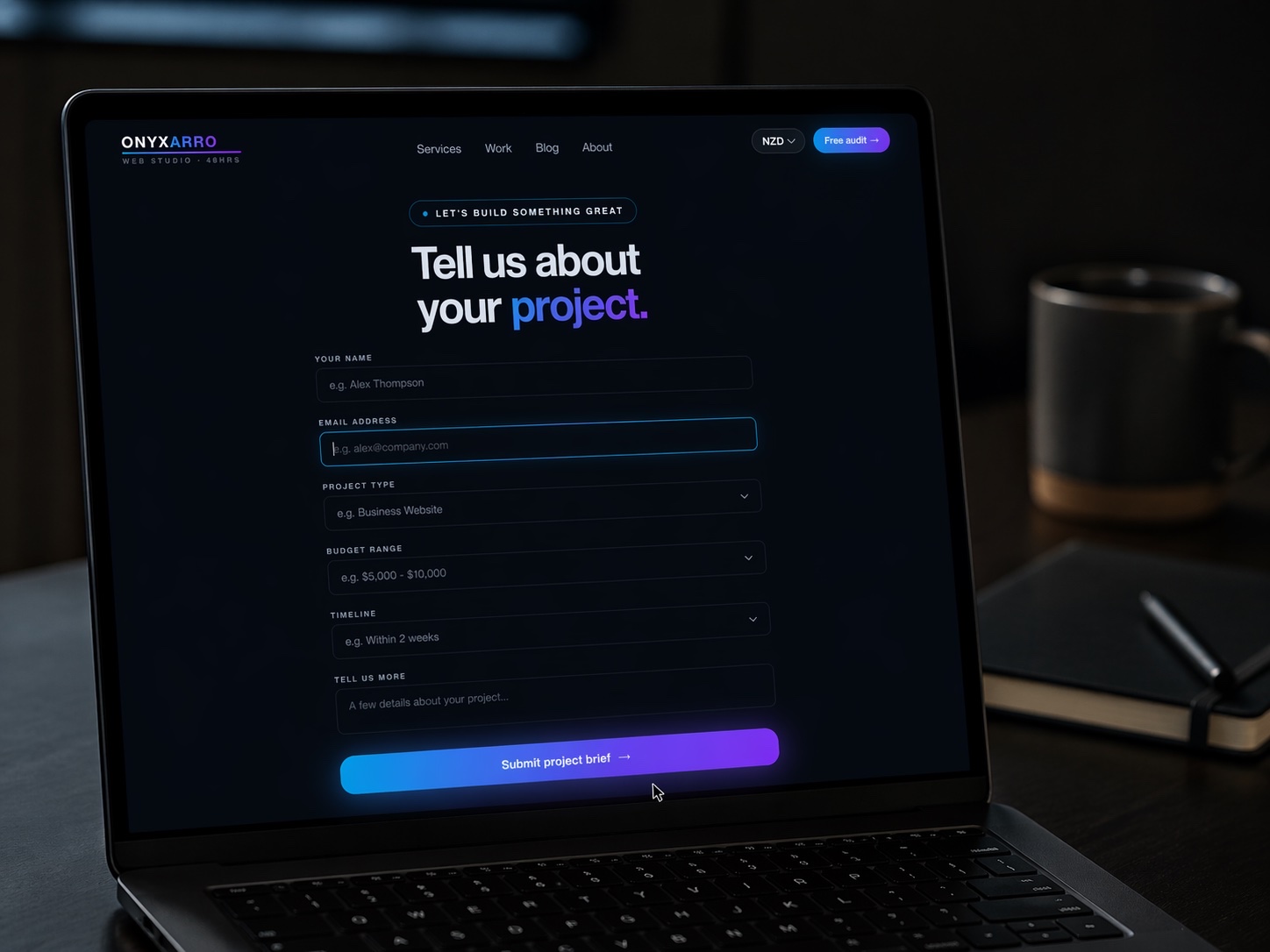
Then tell people what happens next. "We'll call within one business day to book a site visit" is far better than a vague "Thanks, we'll be in touch". Make sure the form actually sends to an inbox somebody checks, and test it after every update. A broken contact form is the quietest way to lose a job you already won. For more layouts, see our contact page examples.
Mobile speed and the 9pm test
Here's a simple test for any HVAC website. Pick up your phone, pretend your heat pump just died on a cold night, and try to book a repair on your own site with one hand. Time it.
If the page loads slowly, the phone number is tiny, or a pop-up blocks the call button, you've found the problem. Most urgent HVAC searches happen on phones, often at moments when patience is already running low. If your website loads slower than the customer's patience, the design is no longer the issue.
Google's Core Web Vitals measure loading speed, responsiveness, and visual stability, and they're a sensible benchmark for any trade site. The fixes are usually unglamorous: compress photos, cut heavy sliders and widgets, and keep the call button fixed on mobile.
HVAC website mistakes that quietly cost jobs
Most HVAC websites don't fail because the business is bad. They fail because the useful bits are buried under the less useful bits. These are the patterns we see most often.
- One page for everything: repairs, installs, and commercial refrigeration all crammed onto a single services page with no clear route for anyone.
- Phone number in the footer only: technically present, practically hidden.
- Stock photography everywhere: nothing says "we might be a call centre" quite like the same smiling technician who appears on four hundred other sites.
- No price guidance at all: silence on price often reads as "expensive", even when you're not.
- Seasonal content left up all year: a "beat the summer heat" banner in the middle of winter tells visitors nobody is minding the site.
- Forms that go nowhere: enquiries landing in an old email address that nobody has opened since the last website.
If several of those feel familiar, our guide to the signs your website is costing you customers is a useful next read.
What an HVAC website costs
Price depends mostly on page count, who writes the content, and how much strategy sits behind the build. Here's what HVAC businesses typically pay in New Zealand.
| Option | Typical range (NZD) | What you usually get |
|---|---|---|
| DIY builder | 300 to 900 per year | Template, your own words and photos, your own time |
| Freelancer template build | 1,500 to 4,500 | A handful of pages, light on strategy and copy |
| Studio build | 5,000 to 15,000 | Custom design, written copy, separate service pages, SEO foundations |
| Larger agency build | 15,000 to 40,000+ | Multi-location sites, integrations, ongoing marketing retainers |
These are typical ranges, not quotes, and they move with scope. A cheaper website can be the right call if you mostly get work from referrals and only need a credible online presence. The trouble starts when you expect a budget build to compete for install quotes against businesses with clear service pages, real proof, and a quote flow that works. For a wider look at what moves the number, see how much a website costs.
A sensible HVAC structure often lands between five and ten pages. More pages don't automatically mean a better website. Sometimes they just mean more places for the visitor to get lost.
How Onyxarro builds HVAC websites
We start with the two-buyer problem. Before any design work, we map who's arriving urgently, who's researching, and what each one needs to see before they'll pick up the phone. The layout follows that map, not the other way round.
Sample structure for an HVAC business
- Launch: NZ$5,000 NZD for up to 5 pages. A good fit for a smaller operator: home, repairs, installs, servicing, and contact.
- Growth: NZ$8,000 NZD for up to 10 pages. Adds service area pages, a commercial page, and a fuller about and proof section.
- Studio: from NZ$13,000 NZD for custom scope, such as multi-branch businesses or more complex booking setups.
- Every package: conversion-focused structure, written copy, mobile-first build, SEO foundations including local business schema, and a tested enquiry path.
An honest note: we're a young studio, so we won't show you a wall of HVAC case studies we don't have. What we can show is how we think and how we build. Our concept demos are labelled as concepts, not client work, and our guide to website design for tradesmen shows the same thinking applied across the trades.
If you already have a site, the fastest starting point is a free website audit. We'll show you where calls and quotes are leaking and what to fix first. If you're starting fresh, have a look at our website packages and pricing to see which tier fits.
The Bottom Line
The best hvac website design examples aren't the flashiest ones. They're the ones that know who just arrived. The panicked homeowner gets a phone number and honest hours. The careful install buyer gets options, price guidance, proof, and a short quote form.
Get that split right, back it up with real photos and real reviews, and make sure the whole thing loads fast on a phone at 9pm. That's most of the job. Everything else is polish.
Not sure how your current site measures up? Get a free website audit and we'll tell you plainly what to fix first.