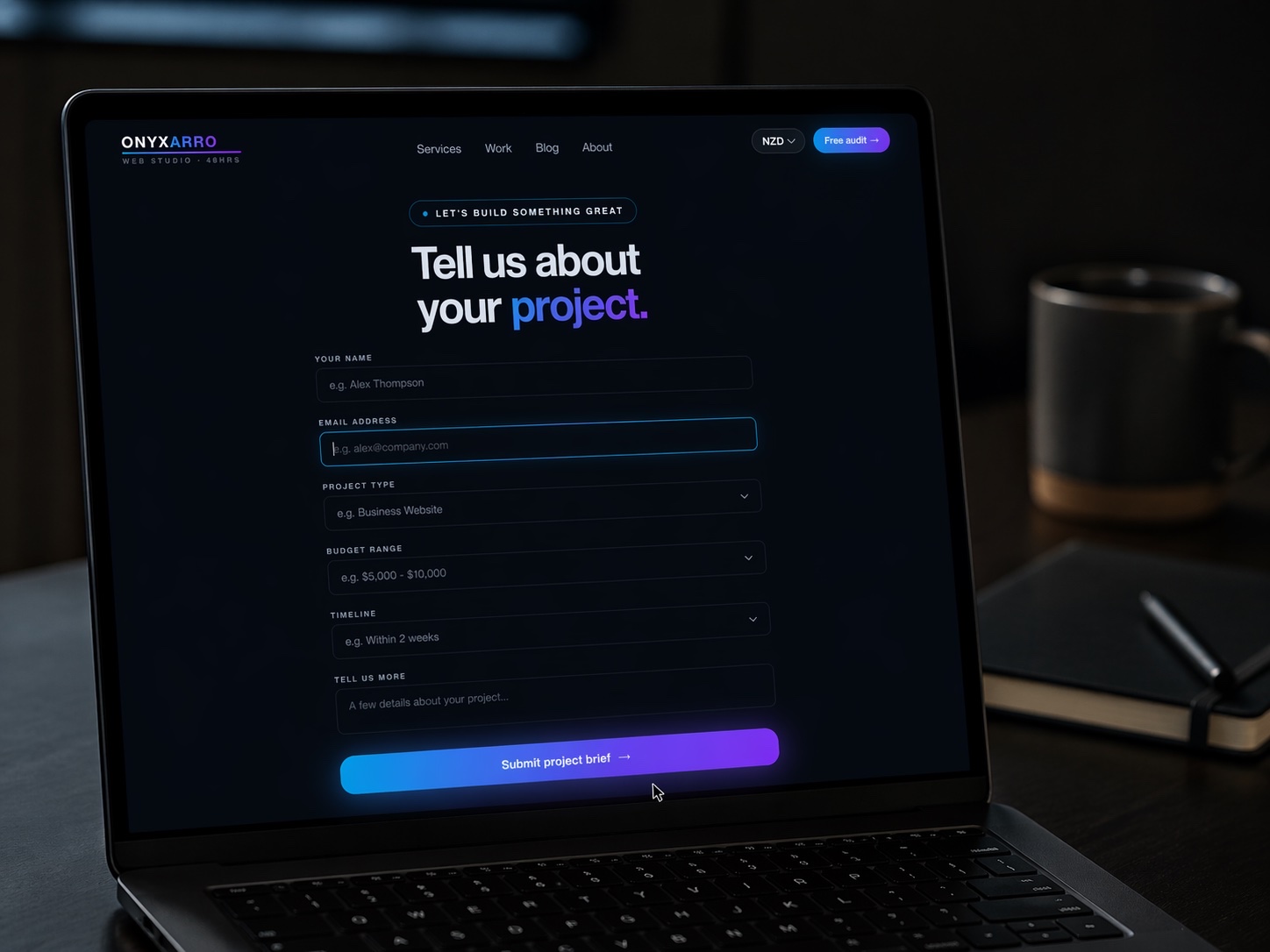
Quick answer: The best consultant website design examples share four traits: a homepage that names who you help and the result you deliver, real proof in the form of case studies or outcomes, one obvious next step (usually a booking link), and a clean, fast, confident design. A focused five to six page consultant site built around those four things will win more high-value clients than a slick site with no clear message.
Most consultant websites fail in a quiet way. They are not ugly. They are not broken. They just sit there, looking professional, while saying almost nothing useful about who you help or why someone should hire you instead of the other ten consultants in your field.
That is the real problem with consulting websites. The market is full of smart people with thin, vague sites. The opportunity is that a site with a clear message and real proof stands out almost immediately, because the bar is so low. You do not need a flashy build. You need a sharp one.
Below we break down what good consultant website design examples actually do, page by page, then walk through a few example layouts you can borrow for your own niche.
Why most consultant sites quietly fail
The typical consultant website opens with the consultant's name, a tasteful photo, and a headline like "Strategic solutions for forward-thinking businesses." It is calm, it is clean, and it tells the visitor nothing.
The visitor is not browsing for fun. They have a problem and a budget, and they are quickly deciding whether you are the person who can fix it. If your site makes them guess what you do, who you do it for, or what happens next, they leave. A confused visitor never becomes a client.
The other common failure is all credibility and no clarity. The consultant lists every qualification, every past employer, every framework they have ever touched. Impressive, but the reader still cannot answer the only question that matters: "Can this person solve my specific problem?"
A consultant website is not a CV with nicer fonts. It is a quiet sales conversation that runs while you sleep.
Good consultant website design examples solve both problems at once. They are clear about the outcome and confident about the proof. Everything else is detail.
What good consultant website design examples do
Across the consultant sites that actually convert, the same patterns show up again and again. They are not about taste. They are about removing doubt.
The four-part test every strong consultant site passes
- It names the client and the result. Within seconds you know who they help and what changes when they get involved.
- It shows proof early. A logo strip, a result, a short case study, or a credible testimonial appears before the visitor has to dig for it.
- It has one obvious next step. Usually a booking link, repeated calmly, never buried.
- It reads with confidence. Short, direct copy. No buzzwords. No hedging.
If a consultant site fails even one of these, it tends to underperform. Get all four right and you are already ahead of most of your field. For more on the underlying principles, our guide on what makes a website convert covers the conversion mechanics in detail.
The homepage: lead with the outcome
Your homepage has one job: make a qualified visitor think "this person understands my situation" before they scroll. That starts with the headline, and the headline should lead with the outcome, not your title.
Compare these two openings. "Independent management consultant" tells the visitor your job. "I help mid-sized manufacturers cut operating costs without cutting people" tells them what changes when they hire you. The second one wins every time, because it speaks to a result the reader actually wants.
A strong consultant homepage usually moves in this order: a clear outcome headline, one supporting line that names the audience, a primary call to action, a short proof strip, a brief explanation of how you work, and a closing call to action. Nothing fancy. Just a confident path from "who is this" to "let's talk."
If your current homepage opens with a vague slogan and a stock photo, that is the first thing to fix. The same logic applies to almost any service site, which we cover in our service business website examples.
The services page: clarity over cleverness
Consultants love to describe their work in abstract terms because the work itself is often abstract. The trap is writing a services page so high-level that the reader cannot tell what they would actually get.
The fix is to frame each service around a problem and an outcome. Instead of "Organisational transformation," write "Restructure a stalled team so projects ship on time." Same expertise, but now the reader sees themselves in it.
Keep your offers tight. Three or four clearly defined services beat a long menu that tries to be everything. A focused page signals that you know exactly what you are good at, which is exactly what a serious client is looking for.
Proof: case studies and results
Proof is the single biggest lever on a consultant site, and it is the thing most consultants skimp on. You do not need a wall of logos. You need two or three pieces of believable evidence that you have done this before and it worked.
The most persuasive proof is a short case study with a simple shape: the situation the client was in, what you did, and the result. Even a few specific lines beats a vague testimonial about how "wonderful" you are to work with. If you cannot name the client, describe the situation anonymously. The structure still works.
If you want to get this right, our breakdown of case study page examples walks through the exact layout that proves you get results without sounding like a brochure.
A quick word on honesty. Do not invent numbers. A made-up "300% growth" stat is easy to spot and harder to recover from. Real, modest proof always beats impressive fiction.
The about page: credibility, not autobiography
The about page is where most consultants overshare. The visitor does not need your full career history. They need enough credibility to trust you with their problem, framed in terms of how it helps them.
A strong consultant about page leads with a short, confident summary of who you help and why you are good at it, then supports it with the relevant background, a real photo, and a clear call to action. Your years at a big firm matter, but only because of what they mean for the client today.
Write it in the first person. Stiff third-person bios ("Jane is a seasoned consultant who...") read like a press release and create distance exactly where you want connection.
The booking and contact path
Plenty of consultant sites do everything right until the moment someone wants to talk, then bury the contact option or hide behind a generic form. That is a wasted opportunity.
Give the visitor two paths. A booking link for people who are ready to talk, and a short contact form for people who want to ask a question first. Repeat the booking link in your nav, mid-page, and footer, so the visitor never has to hunt for it.
What your contact path should include
- A clear primary call to action (book a call) above the fold and repeated through the page.
- A short backup form (name, email, one line about the problem) for slower leads.
- An honest line about what happens next and how soon you respond.
- No required fields that scare people off, like phone number or budget, on a first touch.
If you want more enquiries from the traffic you already have, our guide on getting more leads from your website goes deeper on the mechanics.
Example layouts by consultant type
Different consulting niches need slightly different emphasis. Here are a few example layouts to borrow from, each tuned to how that type of consultant tends to win work.
Outcome-led, proof-heavy
Lead with a specific business result in the headline. Follow with a tight proof strip and one flagship case study. The buyer is senior and busy, so keep copy short and let the results carry the weight.
Show, don't just tell
Your own site is the demo. Strong design, clean structure, and a few visible wins prove you can do for them what you did for yourself. Add a short insights section to show you have a point of view.
Warmth plus authority
The work is human, so the site should feel approachable without losing credibility. Real photography, plain language, and clear service framing around common people problems work best here.
Trust signals first
Credentials, compliance notes, and clear contact details matter more here. Lead with reassurance and clarity, then a calm, professional call to book. Avoid hype entirely.
Specificity wins
Name the platforms, the problems, and the outcomes. Buyers in this niche scan for relevant keywords fast. A clear services page and a couple of technical case studies do most of the convincing.
Personal and direct
Lean into being the person, not a faceless firm. A first-person homepage, a real photo, and a single clear offer make you feel accessible and easy to hire.
You will notice none of these rely on tricks. They rely on matching the design and message to how that buyer actually decides. If you want to see how this plays out as a full build, browse our concept demos, which are concept-only designs we use to show direction.
Design details that signal authority
Once the structure is right, a handful of design details quietly raise how authoritative your site feels. They are small, but they add up.
Authority-building design details
- Generous white space. Crowded pages read as junior. Confident pages give content room to breathe.
- One or two typefaces, used well. Restraint reads as expensive. A circus of fonts reads as a template.
- Real photography. A genuine photo of you beats a polished stock image of someone else.
- Fast load times. A slow site undermines every claim of competence you make.
- Consistent calls to action. The same clear next step, styled the same way, throughout.
Speed matters more than most consultants think. Google's own research shows the chance of a bounce climbs sharply as a mobile page takes longer to load, which you can read about in Google's guidance on Largest Contentful Paint. And clear, scannable structure is a core part of usability, something the Google Search guidance on helpful content reinforces from a search perspective too.
What a consultant website costs
Pricing depends on page count, content, and how custom the build is. Here is a realistic range for a professional consultant site in 2026, using our own fixed pricing as a guide.
| Package | Best for | Pages | Price (NZD) |
|---|---|---|---|
| Launch | Focused authority site for a solo or boutique consultant | Up to 5 | NZ$5,000 |
| Growth | Consultants with several services and a content section | Up to 10 | NZ$8,000 |
| Studio | Custom builds with booking systems, integrations, or deeper content | Custom scoped | NZ$13,000+ |
In many cases a consultant only needs the focused five-page build. The temptation is to buy more pages than you can keep useful. More pages often just means more places for the visitor to get lost. For a fuller picture of pricing across the market, see our guide on how much a website costs.
Cheaper template sites can absolutely work if you only need a basic presence. The trouble starts when you expect a budget build to do the job of a conversion-focused asset that wins five-figure consulting clients. The site usually pays for itself with a single retained engagement.
How Onyxarro builds consultant sites
We are a young studio, so we will be straight with you. We do not have a decade of consultant client logos to wave around. What we do have is a clear method for turning expertise into a site that wins work, and a 48-hour homepage redesign preview so you can see the direction before committing to the full build.
A typical consultant site we'd build
Here is the shape of a focused consultant build, the kind that fits most solo and boutique consultants:
- Homepage with an outcome-led headline, proof strip, and a clear path to book a call.
- Services page framing each offer around a problem and a result.
- Case studies with two or three short, believable proof stories.
- About page that builds credibility in the first person.
- Contact and booking with both a fast path and a slow path.
That is a Launch package at NZ$5,000, delivered with a homepage preview in 48 hours. Add a content section or extra services and it moves to Growth.
The honest first step is to find out what your current site is doing wrong before you spend anything. Get a free website audit and we will tell you plainly. If the direction makes sense, you can see our packages and decide from there. No pressure, no jargon.
Common mistakes to avoid
Even consultants who get the big things right often trip on a few avoidable mistakes. Watch for these.
- Leading with your title instead of the outcome. "Consultant" is not a value proposition. The result you create is.
- Hiding the proof. If your best case study lives three clicks deep, most visitors will never see it.
- Writing for peers, not clients. Insider jargon impresses other consultants. Clients just want clarity.
- Too many calls to action. Five different buttons split attention. One clear next step focuses it.
- Treating the site as a one-time job. A consultant site should grow with your positioning. Stale proof ages fast.
None of these are hard to fix. Most are just a matter of editing what you already have with a clearer eye, or starting the redesign with the right structure in place.
The bottom line
The best consultant website design examples are not the flashiest. They are the clearest. They name who they help, lead with the outcome, show real proof early, and make booking a call effortless. Get those four things right and a clean, fast design does the rest.
If your current site looks fine but rarely turns into conversations, the gap is almost always message and structure, not aesthetics. That is fixable, and it usually pays for itself with one good client. When you are ready, get a free audit and we will show you exactly where to start.