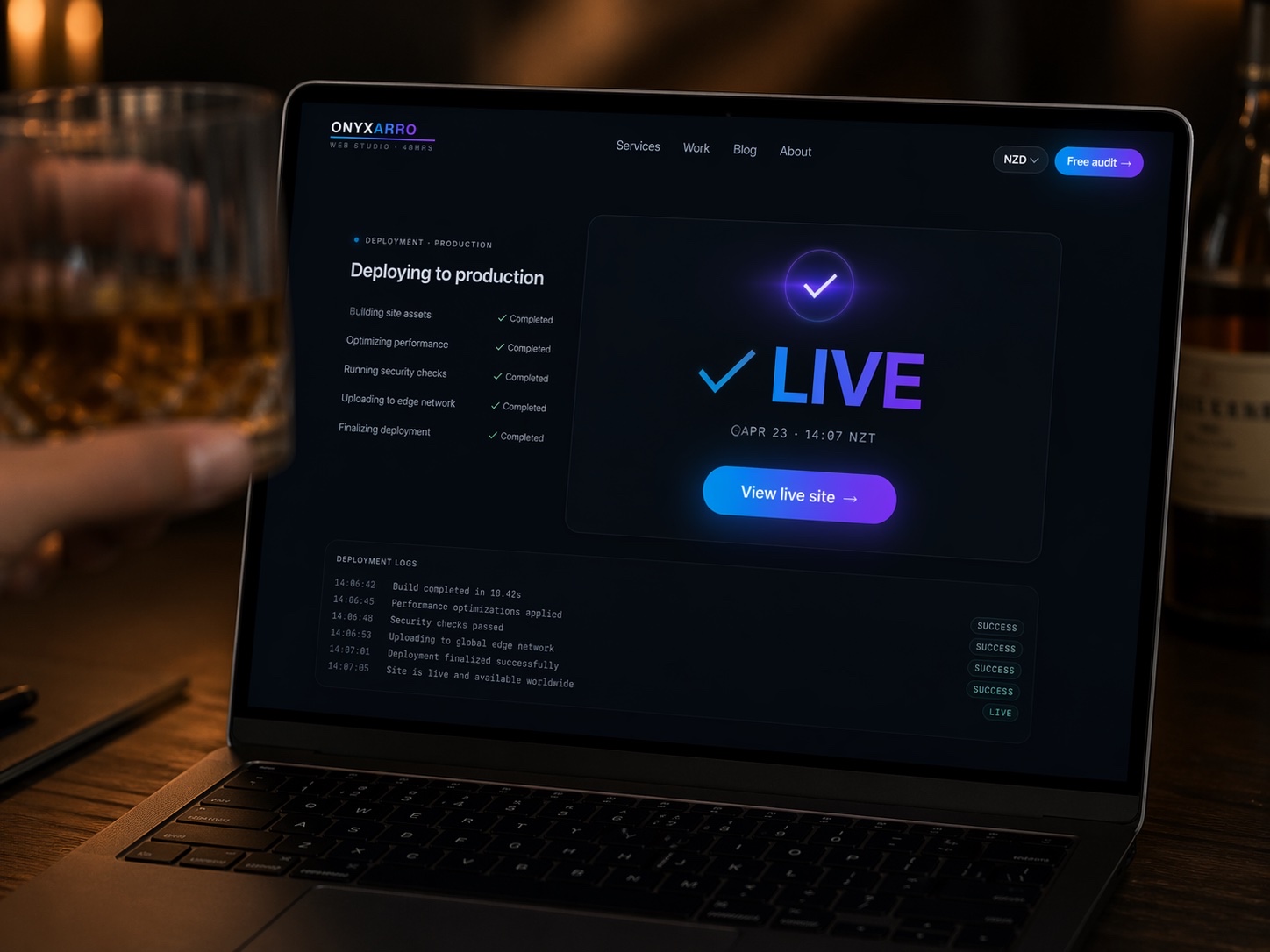
Quick answer: Good barber shop website design puts a Book Now button, your prices, and today's hours on the first screen of a phone, then backs them up with real cut photos, barber profiles, and reviews. Most shops only need a focused 4 to 6 page site, which typically costs somewhere between NZD $1,500 and $13,000 depending on how custom it is and how booking is connected.
A barber shop runs on one number: how full the chairs are. Your website has a very specific job in that story. It needs to get the guy stuck in a meeting at 11:40 booked in for 5:15 tonight, without him having to ring, scroll through Instagram, or guess what a skin fade costs.
Plenty of barber sites miss that. Some are a moody black homepage with a skull logo and no prices. Some are a link to an Instagram account that last posted in March. The good ones share the same handful of patterns.
This guide breaks those patterns down section by section, with illustrative examples (not named shops), the mistakes worth skipping, and what a site like this typically costs in New Zealand. It's written for shop owners, solo barbers, and anyone about to brief a designer.
What barber shop website design actually has to do
Barber customers are repeat visitors who decide fast, usually on a phone, often for today or tomorrow. Nobody researches a haircut for three weeks.
That changes the brief. A law firm site has to build trust slowly over several pages. A barber site has to answer three questions before the visitor's thumb gets bored: can I get in, how much is it, and are you any good?
Everything else is supporting cast. If the branding slows those answers down, it's decoration with a loading bar.
The right emphasis also depends on how your shop runs. Here are four common setups and what the homepage should lean on for each.
The busy neighbourhood barber
Lead with hours, walk-in policy, and a live sense of how busy it is. Booking is a secondary option for people who want a set time.
The premium grooming room
Lead with the booking button and the experience: hot towel shaves, longer appointments, a calmer room. Prices sit higher, so proof matters more.
The one-chair operator
Lead with the barber. People are booking a person, so the face, the work, and the calendar should all be on the first screen.
The small local chain
Lead with a location picker. Each shop gets its own page with its own hours, team, map, and booking link, so nobody turns up at the wrong one.
Example 1: A hero that books the chair in one tap
The hero is the first screen someone sees, and on a barber site it should work like a front counter. Strong examples share a simple layout: a real photo of the shop or a barber at work, a headline that says what you do and where, one obvious booking button, and a smaller link to prices.
The headline doesn't need to be clever. It needs to be useful. Compare these two:
- Weak: "Where Style Meets Heritage."
- Strong: "Fades, beards, and hot towel shaves in Ahuriri. Book online in under a minute."
The first could be a whisky brand. The second tells a local exactly what they get and how fast. For more formulas, our list of homepage headline examples has rewrites for trades and local services that adapt well to barbers.
Strong heroes also include:
- Today's hours, right under the button ("Open till 7pm tonight").
- A star rating pulled from your real Google reviews, with the count.
- A sticky Book button that follows the visitor down the page on mobile.
- A tap-to-call link for the people who'd still rather ring.
Skip the autoplay video unless it's tiny. A slow hero on 4G sends people to the shop down the road.
Example 2: A booking flow that doesn't fight the customer
Most barbers already use booking software. Fresha, Timely, Square Appointments, and Booksy are common names in New Zealand shops. The website's job is to get people into that calendar with as little friction as possible, and this is where a lot of otherwise decent sites fall over.
The best booking flows on barber sites usually follow this shape:
- The visitor taps Book from any page.
- They pick a service, with the price and duration shown.
- They pick a barber, or choose "first available".
- They see real open times, not a request form.
- They confirm with a name, phone number, and email, and get a text reminder later.
Five steps, no account wall if the software allows it, and no "we'll get back to you to confirm".
Two practical calls to make with your designer. First, embed or link out? Embeds keep people on your site but can be clunky on phones, so test both on your own phone. Second, deep links. Many booking tools let you link straight to a specific service or barber, so the "Book a skin fade" button on your prices page opens the calendar with that service already chosen.
Our wider guide to booking page examples covers more patterns for appointment businesses, including what to put on the page around the calendar.
Example 3: A price list people can read in five seconds
Hidden prices rarely read as premium. More often they read as a surprise waiting at the counter. Barber pricing is simple, so show it.
Strong service menus are short, scannable, and organised the way customers think: cuts, beards and shaves, combos, and kids or seniors. Each line gets a name, a one-line description, a price, and a time. A "Book this" link next to each service, deep-linked into your booking tool, turns the menu itself into a set of buttons.
What a good barber service menu includes
- Plain names customers actually search for, like skin fade, buzz cut, scissor cut, and beard trim.
- A short description so "The Works" isn't a mystery.
- Price and duration on every line.
- "From" pricing where long hair or extra detail changes the cost, with a note on why.
- Kids, students, and senior pricing if you offer it, with the days it applies.
- A clear note on cancellations, late arrivals, and no-shows.
If a customer has to message you to find out what a fade costs, your website is creating admin instead of bookings.
Put the prices in real text, not a photo of your chalkboard. Text reads on any screen, updates in seconds, and gives Google something to understand.
Example 4: Barber profiles that let people pick their person
People are loyal to a barber more than a shop. When their barber moves, plenty of them follow. Strong barber sites lean into that instead of pretending the team is interchangeable.
A good profile is short. A proper photo (not a logo, not a silhouette), a first name, what they're known for, how long they've been cutting, and a "Book with Sam" button that opens their calendar directly.
Specialties matter more than bios. "Sharp skin fades and textured crops" helps someone choose. "Passionate about the craft" helps nobody.
If your barbers rent chairs and run their own calendars, the profile page becomes even more important. It's the hub that sends each customer to the right booking link.
For more on presenting a team well, the stylist and practitioner patterns in our beauty salon website design examples translate neatly to barber shops.
Example 5: A gallery of real cuts, not stock models
A haircut is a visual product, and stock photos are an instant credibility leak.
The strongest galleries use real work, shot consistently. Same wall, same light, front, side, and back. Tag each photo by style (fade, crop, beard, kids) so someone looking for a taper can find tapers without scrolling past forty beards.
Gallery habits worth stealing
- Pick one clean spot in the shop and shoot every cut there.
- Use natural or soft even light, never a harsh overhead fluorescent.
- Ask permission and keep it casual. Most clients happily say yes to a back-of-head shot.
- Add a "Book this style" button under the gallery.
Embedding your live Instagram feed seems like a free gallery, but feed widgets are often slow and can break without warning. A curated gallery plus a link out to Instagram is usually faster and more reliable.
Speed matters here because galleries are heavy. Google's Core Web Vitals guidance on web.dev explains the loading and responsiveness measures worth watching, and our guide on website photography for small business covers how to shoot and prepare images so they look sharp without dragging the page down.
Example 6: Hours, walk-ins, and location without the guesswork
"Do you take walk-ins?" is probably the most common question a barber shop gets. The site should answer it before anyone has to ask.
Strong examples state the policy in one plain line: "Walk-ins welcome until 3pm. After that, booking only." Some booking tools offer a waitlist or queue feature, and if yours does, linking to it from the homepage saves a wasted trip.
Hours deserve the same care. Show them in full on a Visit page and in short form in the header or hero. Highlight late nights, because a Thursday 8pm finish is a selling point for anyone who works nine to five. Keep them identical to your Google Business Profile.
The Visit page itself should cover:
- Full address with a map embed and a "Get directions" link.
- Parking, including the nearest free spots if street parking is tight.
- What the shopfront looks like, especially if you're upstairs or down a lane.
- Phone, email, and accessibility notes.
None of this is exciting. All of it removes a reason not to come in.
Example 7: Local signals that put you on the map
Most new barber customers find a shop by searching "barber near me" and tapping something in the map results. Your website and your Google Business Profile work as a pair. The profile wins the click, and the website wins the booking.
Strong barber sites back up their local presence in a few practical ways. They name the suburb and city in the headline and page titles. They use the same business name, address, and phone number everywhere. They link the booking button on Google to the same booking flow as the site. Our guide to Google Business Profile optimisation walks through categories, photos, and services step by step.
Reviews do a lot of heavy lifting for barbers, because "are they any good?" is one of the three big questions. Ask happy regulars at the right moment (right after a cut they love, via a short link or QR code on the counter) and show a handful of recent ones on your homepage. Our walkthrough on how to get more Google reviews has scripts that don't feel awkward.
On the technical side, structured data helps search engines read your details reliably. Google's local business structured data documentation explains the fields it uses, and schema.org's HairSalon type is a common fit for barber shops. If that sounds like jargon, our plain-English guide to schema markup for small business covers what to add and how to test it. For the bigger picture, local SEO for small business covers the rest of the map pack puzzle.
Barber website mistakes that quietly empty the chair
None of these will close the shop. They just leak bookings, one frustrated visitor at a time.
- All vibe, no information. A dark, atmospheric homepage with no prices, no hours, and a tiny booking link buried in the menu.
- The Instagram-only approach. Social is great for showing work. It's a poor place to find opening hours, prices, or parking.
- A contact form instead of a calendar. Nobody wants to request a haircut and wait for an email back.
- Hours that don't match Google. Two sources, two answers, one annoyed customer at a closed door.
- A booking button that opens a generic platform page with no branding, so the visitor isn't sure they're booking the right shop.
- Huge uncompressed images that make the gallery crawl on mobile data.
If several of these sound familiar, start with speed and booking before touching the design. Our fix list for speeding up a small business website is a good place to begin.
What barber shop website design costs in NZ
Barber sites are usually small. What changes the price is how much strategy, copy, and custom design goes in, not the page count.
| Option | Typical range (NZD) | What you usually get |
|---|---|---|
| Booking app profile page | Often included in the booking subscription | A basic listing with services and a calendar. Limited branding and SEO control. |
| DIY website builder | Around $300 to $800 per year in plans and add-ons | Template site you build yourself. Fine for a start, quality depends on your time. |
| Freelancer template build | Often $1,500 to $4,000 | A few pages on a theme, booking linked, light copy and SEO. |
| Studio custom build | Often $5,000 to $13,000+ | Custom design, written copy, booking integration, local SEO foundations, speed work. |
On top of the build, budget for your booking software subscription, hosting, and your domain. These are ranges, not quotes, and they move with scope. For the broader picture, see our breakdown of how much a website costs.
A cheaper setup can be the right move if you're a new solo barber who mainly needs a booking link and a few photos. The problem starts when a busy multi-chair shop expects a free profile page to do the job of a proper website that ranks locally and converts first-time visitors.
How Onyxarro builds barber shop websites
We start with the three questions every barber customer has and build backwards. Every page either answers one faster or it doesn't make the cut.
Sample barber site structure (Launch package)
- Home: real shop photo, local headline, sticky Book button, today's hours, review rating.
- Services and prices: scannable menu with price, duration, and a deep-linked Book button per service.
- Barbers: photo, specialty, Instagram link, and Book with this barber.
- Gallery: curated real cuts, tagged by style, optimised for mobile speed.
- Visit: hours, walk-in policy, map, parking, and contact details that match Google.
- Pricing: Launch is NZ$5,000 NZD for up to 5 pages. Growth is NZ$8,000 NZD for up to 10 pages, useful for multiple locations. Studio starts at NZ$13,000 NZD for custom scope.
We work with the booking tool you already use rather than forcing a switch, and SEO foundations come standard, not as an upsell. You own the domain, the hosting account, and the content.
The honest note: Onyxarro is a young studio based in Napier, so we lead with clear scope and craft rather than a wall of case studies. Our concept demos are labelled as concept work, not client sites. If you want a practical starting point, get a free website audit and we'll show you where your current site is losing bookings, or compare our website packages and pricing.
The Bottom Line
Good barber shop website design has one real job: getting someone from "I need a haircut" to a confirmed time slot in under a minute, on a phone, with no surprises at the counter.
Book button up top. Prices in plain text. Real cuts, real barbers, real reviews. Hours that match Google. Do those well and the design can be as bold as you like.
Not sure how your current site stacks up? Start with a free audit and get a clear list of what to fix first.