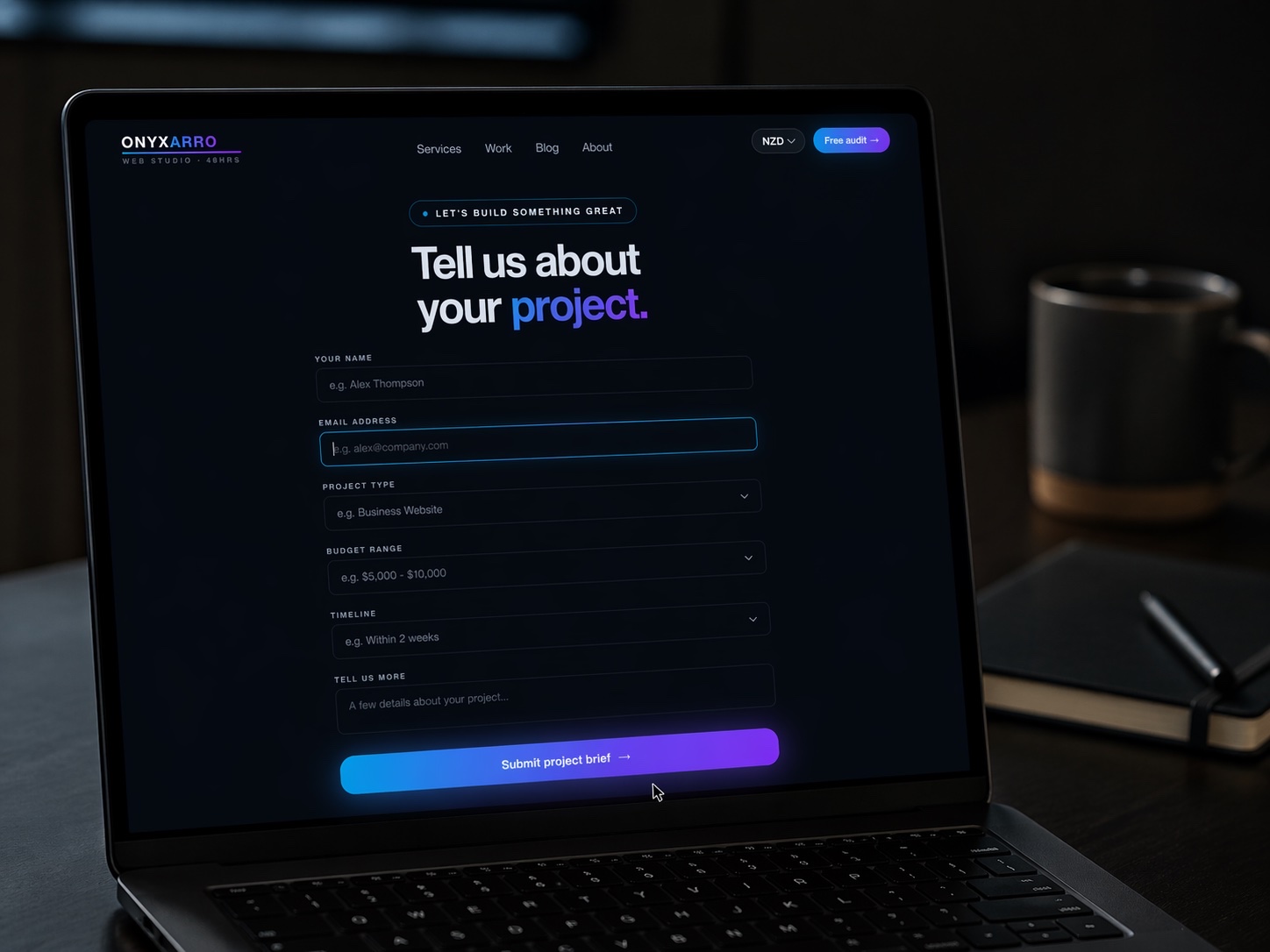
Quick answer: Good accommodation website design does three jobs quickly: it shows the stay in honest photos, answers the practical questions (price, beds, parking, check-in, cancellation), and makes booking direct easier than heading back to a booking site. For a small New Zealand motel, B&B, lodge, or holiday home, a conversion-focused direct booking website from a studio typically costs NZD $5,000 to $13,000, plus a monthly fee for the booking engine itself.
Most accommodation websites have the same quiet problem. A guest finds you on a booking platform, likes the look of the place, then searches your name to see if booking direct is cheaper or nicer. They land on your website. And your website looks like it was last touched when the carpet was.
So they go back to the platform, book there, and you pay commission on a guest who was already interested in you. That is the most expensive kind of lost booking, because you did all the hard work of being found.
Below are the accommodation website design examples that actually help, page by page, for motels, B&Bs, holiday homes, lodges, glamping sites, and boutique hotels. They are illustrative patterns from strong sites in the niche, not named case studies. By the end you will know what your site needs, what to skip, and what a fair budget looks like.
Why most accommodation website design loses direct bookings
Booking platforms make it effortless to compare, check dates, see the price, and pay. Guests arrive at your website expecting the same.
Then they find a slideshow of the driveway, an "Our Story" page before any mention of rooms, and a form that says someone will get back to them about availability. That is less a booking experience and more a pen pal arrangement.
You do not have to beat the platforms at everything. Win on the things you control: better photos, more honest detail, a warmer sense of who runs the place, and a clear reason to book direct.
A useful test: could a first-time visitor on a phone find a room, see a price for their dates, and book in under two minutes? If not, the design is costing you money, however pretty it is.
Example 1: a hero that sells the stay, not the building
The top of your homepage gets a few seconds to answer three questions: what kind of stay this is, where it is, and how to check dates. Strong accommodation sites answer all three before anyone scrolls.
The view from the bed, not the car park
The strongest heroes show what the guest will actually experience: the deck at sunset, the room with morning light, the bath with the vineyard behind it. One great photo beats a five-slide carousel nobody waits for.
Place plus promise
"Quiet self-contained cottages, ten minutes from Napier" tells the guest more than "Welcome to Paradise." Name the type of stay and the location in plain words.
Check-in, check-out, guests, go
A simple availability bar sits right under the headline. It is the single most useful element on the page for a guest who already knows they want to stay somewhere nearby.
A reason to book here
A small line like "Book direct for late checkout and free cancellation up to 7 days out" gives the guest a reason not to bounce back to the platform.
Notice what is missing: the welcome paragraph and the award logo from 2014. Those can live further down. The hero's job is getting dates into the booking engine.
Example 2: room pages that answer the questions before guests ask
Room pages are where the decision really gets made. Guests are trying to picture themselves there, and they are also quietly running a checklist. If your page does not tick it, they email you, ring you, or leave. Most leave.
What a strong room page includes
- Six to ten real photos, including the bathroom and the view, taken in good light
- Bed configuration in plain words (one king, or two singles that zip together)
- Maximum guests, and whether children or pets are welcome
- Kitchen or kitchenette details, so self-catering guests know what they are working with
- Parking, heating, Wi-Fi, accessibility, and stairs
- A "from" price or live rate for the selected dates
- A booking button that stays visible on mobile as the guest scrolls
Most sites skip the honest detail. If the second bedroom is small, say it suits kids. If there are steep steps to the door, say so. Guests forgive a small room. Surprises at 9pm with luggage in hand tend to end up in reviews.
Worth copying too: a short "good to know" block on each room page covering check-in time, key collection, and quiet hours. It cuts pre-arrival emails and makes you look organised before the guest arrives.
Example 3: a booking flow that keeps guests on your site
This is where accommodation website design earns or loses its keep. A beautiful site that hands guests to a clunky, mismatched booking screen will leak bookings at the exact moment someone is ready to pay.
- Dates first. The guest picks dates and guest numbers, then sees what is actually available. Showing rooms that turn out to be booked is a fast way to annoy people.
- Clear total price. Show the full price for the stay, including cleaning fees and any extras, before the payment step. Hidden fees revealed at the end feel like a trick, even when they are not.
- Short guest details. Name, email, phone, arrival time, and a notes field. Not a census.
- Secure payment. Card payment through a reputable booking engine, with deposit or full payment terms stated up front.
- Instant confirmation. An email that confirms dates, address, check-in instructions, and a contact number.
Most small operators use a booking engine or channel manager rather than a custom system, and that is usually the right call. The design job is to make that engine feel like part of your site: matching colours, consistent fonts, and no sudden jump to a page that looks like a different business.
For more patterns on this specific step, our guide to booking page examples that help visitors take action covers appointment and reservation flows in more depth.
Example 4: location pages that sell the area
People rarely travel to stay in a room. They travel to do something, and the room is where they sleep in between. Strong accommodation sites lean into that.
A good location page shows a map, driving times to the places guests care about (the airport, the town centre, the wineries, the trailhead, the wedding venue), and a short, opinionated list of things to do nearby. Opinionated is the key word. "Our favourite breakfast spot is a four-minute walk" reads like a host. "There are many cafes in the area" reads like filler.
The best accommodation websites feel like advice from a local who happens to have a spare room. That feeling is very hard for a booking platform to copy, and it is the strongest reason to book direct.
Location pages help with search too. Guests type things like "motel close to the stadium." A page that genuinely covers those places gives Google something specific to match.
Example 5: reviews and trust signals guests actually believe
Guests are booking a bed they have never seen, run by people they have never met. Trust is the whole game, and you probably already have the raw material.
Trust signals that work for accommodation
- Your average rating and review count from Google or a major platform, linked to the source
- Three or four short, real guest reviews placed near the booking button, not buried on a separate page
- A photo and a short note from the hosts or owners
- Any genuine quality accreditation you hold, shown once and clearly
- A real phone number and physical address in the footer
- Clear cancellation and refund terms
Never write your own reviews or trim real ones into something they never said. Guests compare what they read with what they see elsewhere, and real reviews with a little personality beat a wall of five-star adjectives.
Our guide to website trust signals that build confidence goes further into placement and which signals matter most at each stage of the decision.
Example 6: rates, policies, and fine print made human
Nobody books a holiday because of a cancellation policy. Plenty of people abandon one because of it. Policies are a conversion element, even if they feel like admin.
Strong sites put a short, friendly summary of the key terms right on the room page or booking step: minimum nights, check-in and check-out times, deposit, cancellation window, pets, and children. The full terms can live on their own page for the people who want every clause.
Rates work the same way. A seasonal table or "from" pricing with live rates beats "contact us for rates," which tells a guest the price is either scary or two days of emails away.
If guests have to play detective to find what a night costs, they will open the platform in another tab, where the price sits on the first screen.
Accommodation website design patterns by property type
A five-room motel and a luxury lodge have very different guests. The fundamentals hold, but the emphasis shifts.
Speed and practicality
Guests are often on a road trip or work trip. Lead with location, parking, rates, and a fast booking bar. Late arrival instructions matter more than mood photography.
Hosts and breakfast
The hosts are the product. Show their faces, the breakfast table, and the guest lounge. Personality sells here more than anywhere else.
Space and logistics
Floor plans, bed counts per room, kitchen gear, and a clear house rules summary. Families and groups are comparing practicalities as much as the view.
The experience package
Dining, activities, and the setting carry the page. Higher rates need richer detail, longer photo galleries, and an easy way to ask about special requests.
Expectation setting
Be very clear about bathrooms, power, heating, and access. The romance sells the first click. The honest detail prevents the one-star "we did not realise" review.
Design and events
Room categories, a strong gallery, and separate paths for weddings, functions, or dining. Each audience needs its own clear next step.
Running a restaurant on site as well? Borrow from our restaurant website design examples for the dining side.
Mistakes that send guests straight back to the OTAs
Most of these are small bits of friction that add up until a guest decides the platform is easier.
- Booking by enquiry form only. If guests cannot check availability themselves, many will not bother asking.
- Slow, heavy galleries. Huge uncompressed photos make the site crawl on mobile. Guests on patchy holiday reception give up fast.
- Out-of-date information. Last season's rates, a closed restaurant still listed nearby, or a "new" renovation from years ago.
- Hidden total price. Cleaning fees or surcharges that appear only at checkout feel like a bait and switch.
- Generic stock photos. A photo of somebody else's beach tells the guest nothing about your place, and they can usually tell.
- No mobile testing. Date pickers that do not work on a phone are surprisingly common.
Photos are the heart of an accommodation site, which makes it easy to overload. Google's Core Web Vitals guidance on web.dev explains the loading and responsiveness signals worth watching, and our plain-English guide on how to speed up a small business website covers the image fixes that usually make the biggest difference.
Getting found: local SEO, Google Business Profile, and schema
A great site nobody finds is a lovely private brochure. Start with your Google Business Profile, often the first thing guests see when they search your name. Correct category, accurate photos, current details, and a link to a page that can take a booking. Our guide to Google Business Profile optimisation walks through it step by step.
Next, give every room and location page a clear title, sensible URL, and descriptive headings. Then add structured data so search engines can read your details reliably. The LodgingBusiness type on schema.org covers things like check-in time, amenities, and address, and subtypes exist for hotels, motels, B&Bs, and more.
You may also come across Google's documentation on vacation rental structured data. Check its eligibility notes first, because that feature is aimed at providers working directly with Google rather than a typical single-property website. For most small operators, LodgingBusiness markup and a well-kept Google profile deliver more. Our guide to schema markup for small business shows how to add and test it, and the wider moves are covered in local SEO for small business.
What accommodation website design costs in New Zealand
Prices vary with room count, photography and copy needs, and booking engine setup. These are typical NZD ranges, not promises.
| Option | Typical range (NZD) | What you usually get |
|---|---|---|
| DIY builder template | $0 to $1,500 setup, plus monthly plan | A basic presence. Fine for starting out, often weak on booking integration and speed. |
| Freelancer build | $2,000 to $5,000 | A few pages on a template, with booking engine embedded. Strategy and copy vary a lot. |
| Studio direct booking site | $5,000 to $13,000 | Custom design, room pages, location content, booking engine styled to match, SEO foundations. |
| Larger custom build | $13,000 to $30,000+ | Multiple properties, events and dining sections, deeper integrations, multilingual content. |
Two costs often get forgotten. The booking engine or channel manager usually has its own monthly fee, paid to that provider rather than your web designer. And professional photography is frequently the best money you will spend on the whole project. A strong site with weak photos is still a weak site. Our breakdown of website costs in 2026 covers the wider picture.
How Onyxarro builds accommodation websites
We start from one question: what would make a guest who already likes your place book direct? Everything on the site gets judged against that.
A sample accommodation website scope
- Launch, NZ$5,000 NZD: up to 5 pages. Suits a B&B, holiday home, or small motel: homepage, rooms, location, about the hosts, and a booking or contact page.
- Growth, NZ$8,000 NZD: up to 10 pages. Individual room pages, things-to-do content, policies, and room for a functions or weddings page.
- Studio, from NZ$13,000 NZD: custom scope for lodges, boutique hotels, or multiple properties with dining and events.
- Every build: mobile-first design, your existing booking engine styled to feel native, clear rates and policies, SEO foundations, and LodgingBusiness schema.
- You own it: domain, hosting access, and content stay in your name.
The honest bit: we are a young studio, so we will show you concept work clearly labelled as concept work rather than a wall of borrowed logos. If you want to know where your current site is losing bookings, get a free website audit and we will send back a clear list of what is working, what is missing, and what to fix first. If you already know you need a rebuild, compare the options on our services and pricing page.
The Bottom Line
Good accommodation website design has one simple job: help the guest who already likes you feel confident enough to book direct, right now, on their phone.
Show the stay honestly. Answer the practical questions on the page. Make the price and the booking button easy to find. Give people a reason to skip the platform, and back it up with real reviews and real hosts.
Do that, and your website stops being the place guests check before booking elsewhere. If you want a straight read on how close your current site is, start with a free audit.